

Tool Execution
Learn how to execute tools from connected MCP servers
DeepIntShield can connect to any MCP-compatible server to discover and execute tools. Each connection is called an MCP Client in DeepIntShield terminology.
DeepIntShield supports three connection protocols, each with different authentication options:
| Type | Description | Best For | Auth Support |
|---|---|---|---|
| STDIO | Spawns a subprocess and communicates via stdin/stdout | Local tools, CLI utilities, scripts | None |
| HTTP | Sends requests to an HTTP endpoint | Remote APIs, microservices, cloud functions | Headers, strict OAuth 2.1, OAuth 2.0 compatibility |
| SSE | Server-Sent Events for persistent connections | Real-time data, streaming tools | Headers, strict OAuth 2.1, OAuth 2.0 compatibility |
STDIO connections launch external processes and communicate via standard input/output. Best for local tools and scripts.
{ "name": "filesystem", "connection_type": "stdio", "stdio_config": { "command": "npx", "args": ["-y", "@anthropic/mcp-filesystem"], "envs": ["HOME", "PATH"] }, "tools_to_execute": ["*"]}Use Cases:
HTTP connections communicate with MCP servers via HTTP requests. Ideal for remote services and microservices.
HTTP connections support two authentication methods:
The gateway dials an MCP endpoint from inside your deployment’s network, so the URL is validated before any connection is attempted. A connection string is refused when it:
http or https;169.254.169.254 and the equivalent
addresses on other clouds. These are refused unconditionally, because no MCP
server legitimately lives there.Private, loopback, link-local, and unspecified addresses are refused in a
deployment declaring DEEPINTSHIELD_ENV=production and allowed elsewhere. To
reach an MCP server on a private address from a production deployment, set
DEEPINTSHIELD_MCP_ALLOW_PRIVATE_ENDPOINTS=true; cloud metadata stays refused
either way.
Use static headers for API keys and custom authentication tokens:
{ "name": "web-search", "connection_type": "http", "connection_string": "https://mcp-server.example.com/mcp", "auth_type": "headers", "headers": { "Authorization": "Bearer your-api-key", "X-Custom-Header": "value" }, "tools_to_execute": ["*"]}Use Cases:
Use strict OAuth 2.1 for a shared MCP connection that implements the current MCP authorization profile:
{ "name": "web-search", "connection_type": "http", "connection_string": "https://mcp-server.example.com/mcp", "auth_type": "oauth2.1", "oauth_config": { "client_id": "your-client-id", "client_secret": "your-client-secret", "expected_issuer": "https://auth.example.com" }, "tools_to_execute": ["*"]}When a client ID is supplied, strict mode treats it as pre-registered and
requires its exact expected issuer. When it is empty, DeepIntShield prefers its
deployment-owned Client ID Metadata Document (CIMD) if the authorization server
advertises support, then uses deprecated RFC 7591 dynamic registration only as
the fallback. Authorization, token, registration, and scope fields are optional
verification hints in strict mode and must match validated metadata. See
registration priority and deployment requirements.
Select OAuth 2.0 ("auth_type": "oauth") only for an older compatibility
provider.
→ Learn more about OAuth authentication →
Use Cases:
This OAuth configuration is shared by calls that use the connection. For a distinct caller credential and resource-bound Streamable HTTP session, use Delegated MCP authentication.
Overall HTTP Use Cases:
Server-Sent Events (SSE) connections provide real-time, persistent connections to MCP servers. Like HTTP connections, SSE supports both header-based and OAuth authentication.
{ "name": "live-data", "connection_type": "sse", "connection_string": "https://stream.example.com/mcp/sse", "auth_type": "headers", "headers": { "Authorization": "Bearer your-api-key" }, "tools_to_execute": ["*"]}{ "name": "live-data", "connection_type": "sse", "connection_string": "https://stream.example.com/mcp/sse", "auth_type": "oauth2.1", "oauth_config": { "client_id": "your-client-id", "expected_issuer": "https://auth.example.com" }, "tools_to_execute": ["*"]}Use Cases:
→ Learn more about OAuth authentication →
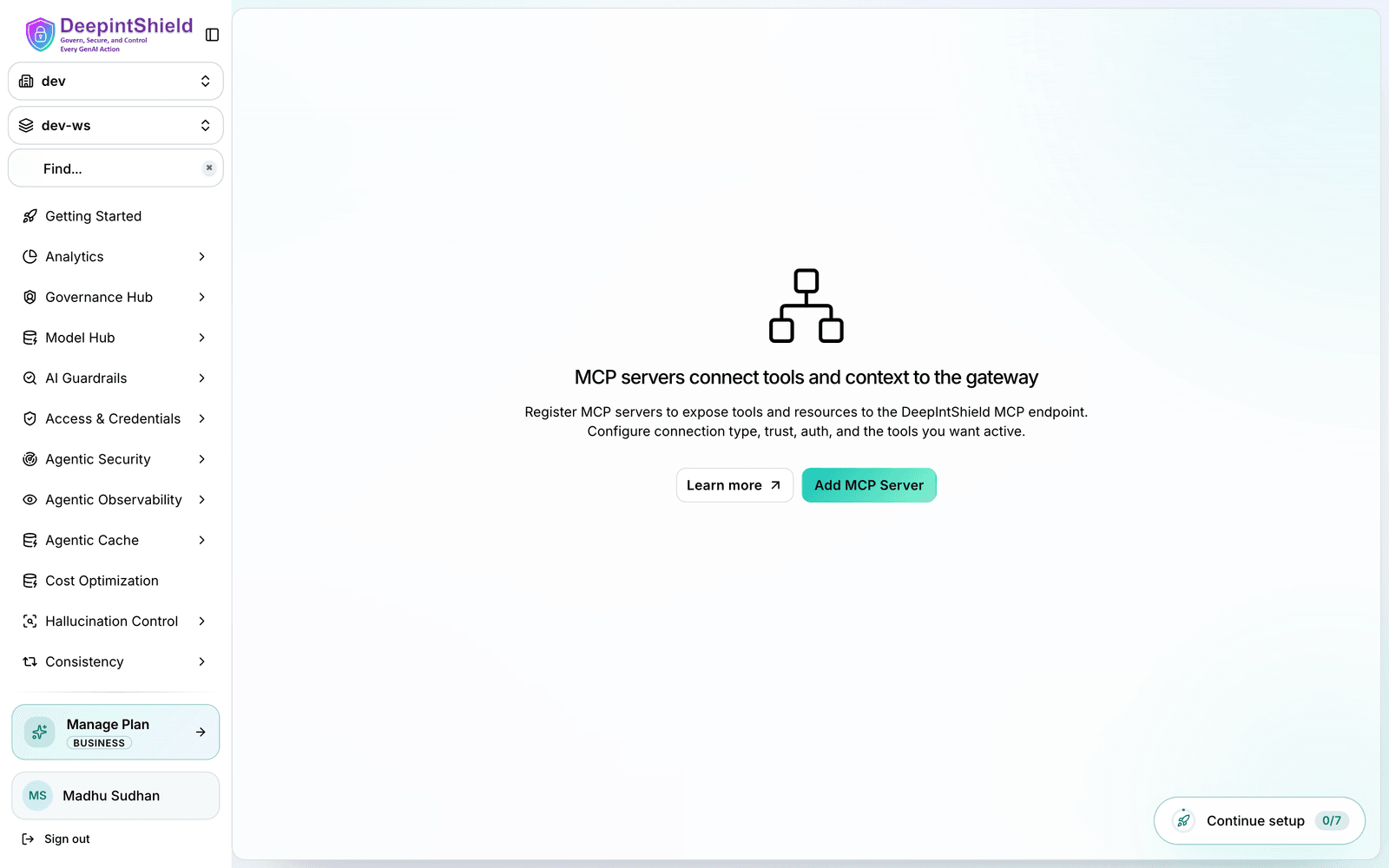
Click New MCP Server button to open the creation form
Fill in the connection details:
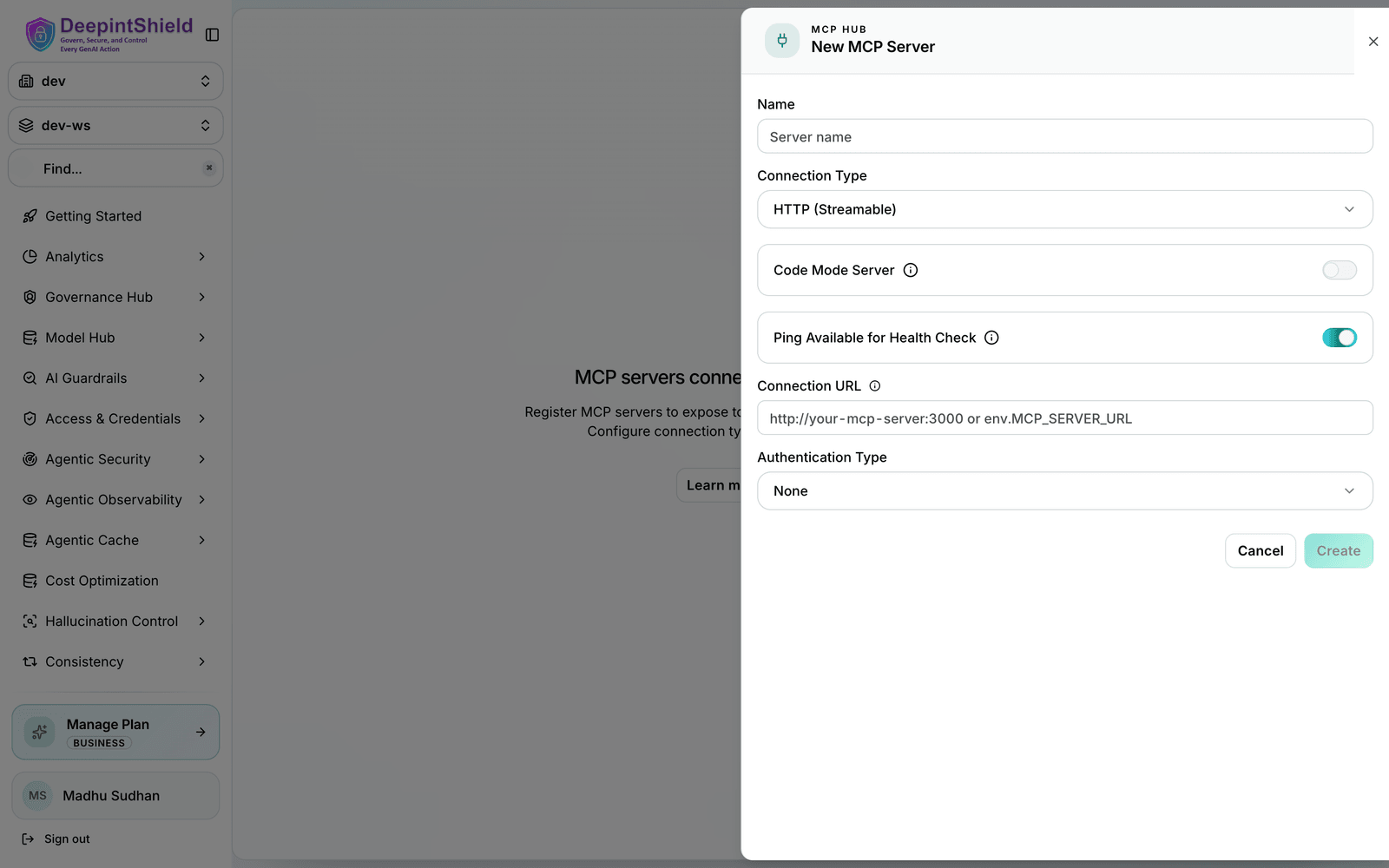
Fields:
Once connected, click on any client row to open the configuration sheet:
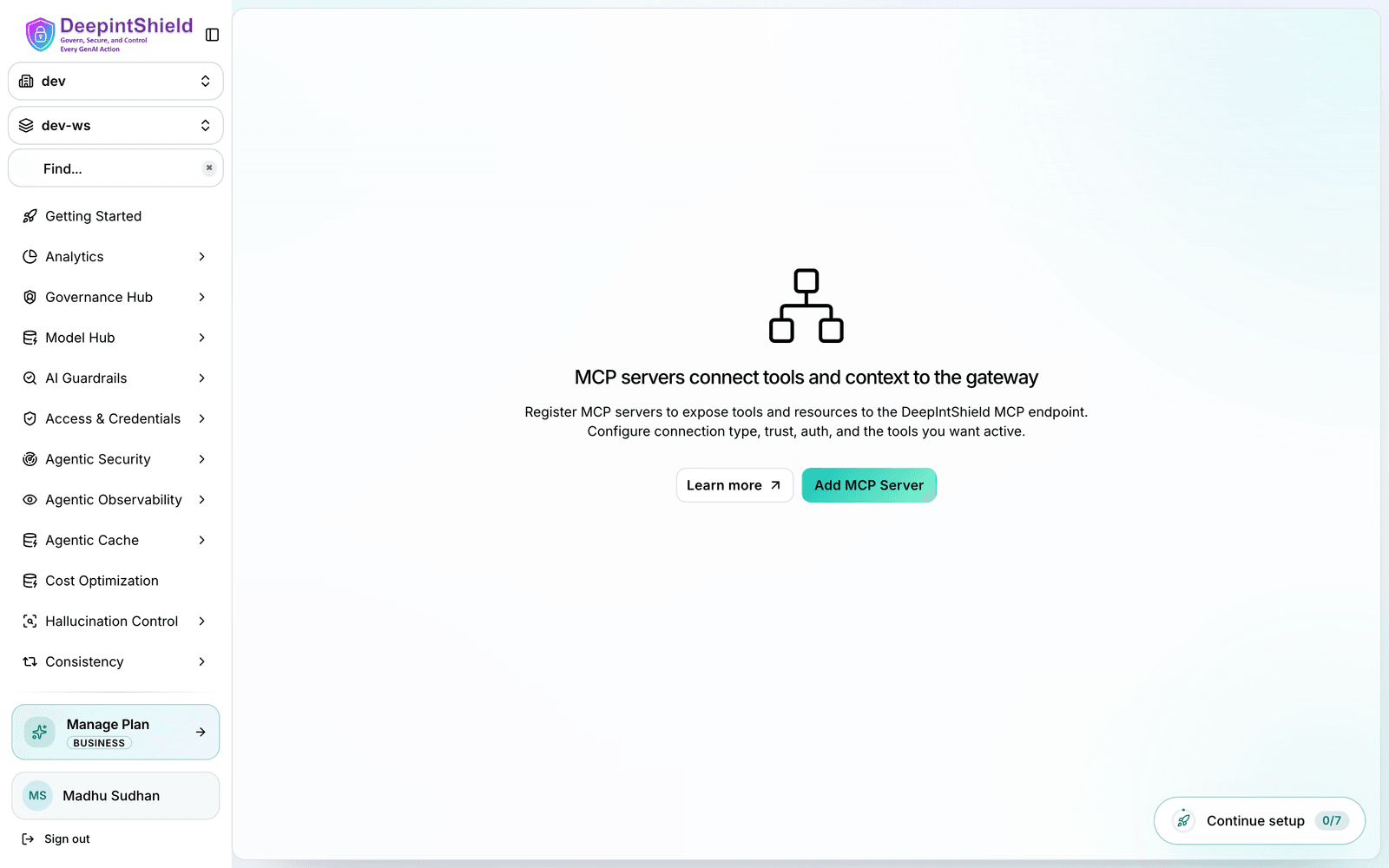
Here you can:
tools_to_executeControls which tools from the client are available:
| Value | Behavior |
|---|---|
["*"] | All tools from this client are included |
[] or omitted | No tools included (deny-by-default) |
["tool1", "tool2"] | Only specified tools are included |
tools_to_auto_execute (Agent Mode)Controls which tools are eligible for automatic execution in Agent Mode:
| Value | Behavior |
|---|---|
["*"] | Every executable tool is eligible for the autonomous loop |
[] or omitted | No tools are eligible; calls are returned to the application |
["tool1", "tool2"] | Only the named tools are eligible |
Eligibility does not replace authorization. When canonical Agentic authorization is enabled, the current Virtual-Key binding, governed agent, Registry action, OpenFGA relationships, client configuration, arguments, and any required Command Authority approval must still produce an exact Allow.
Example configuration:
{ "name": "filesystem", "connection_type": "stdio", "stdio_config": { "command": "npx", "args": ["-y", "@anthropic/mcp-filesystem"] }, "tools_to_execute": ["*"], "tools_to_auto_execute": ["read_file", "list_directory"]}Connection strings and headers can contain secrets such as embedded API keys, bearer tokens, and custom authentication headers:
DEEPINTSHIELD_ENCRYPTION_KEY is configuredWithout DEEPINTSHIELD_ENCRYPTION_KEY, literal persisted values remain
plaintext in the database. Configure the key before storing credentials and do
not rotate it without a coordinated data migration. When you create or edit a
client in the Web UI, enter the full connection URL or header value directly;
DeepIntShield redacts it from later responses and encrypts it when the backend
key is enabled. See OAuth encryption and workspace isolation.
| State | Description |
|---|---|
connected | Client is active and tools are available |
connecting | Client is establishing connection |
disconnected | Client lost connection but can be reconnected |
error | Client configuration or connection failed |
Manage connected clients from Agentic → MCP Registry in the Web UI:
tools_to_execute, then click Save Changes.DeepIntShield automatically monitors MCP client health with periodic checks every 10 seconds by default.
By default, DeepIntShield uses the lightweight ping method for health checks. However, you can configure the health check method based on your MCP server’s capabilities:
| Method | When to Use | Overhead | Fallback |
|---|---|---|---|
| Ping (default) | Server supports MCP ping protocol | Minimal | Best for most servers |
| ListTools | Server doesn’t support ping, or you need heavier checks | Higher | More resource-intensive |
You can toggle the is_ping_available setting for each client from the Web UI:
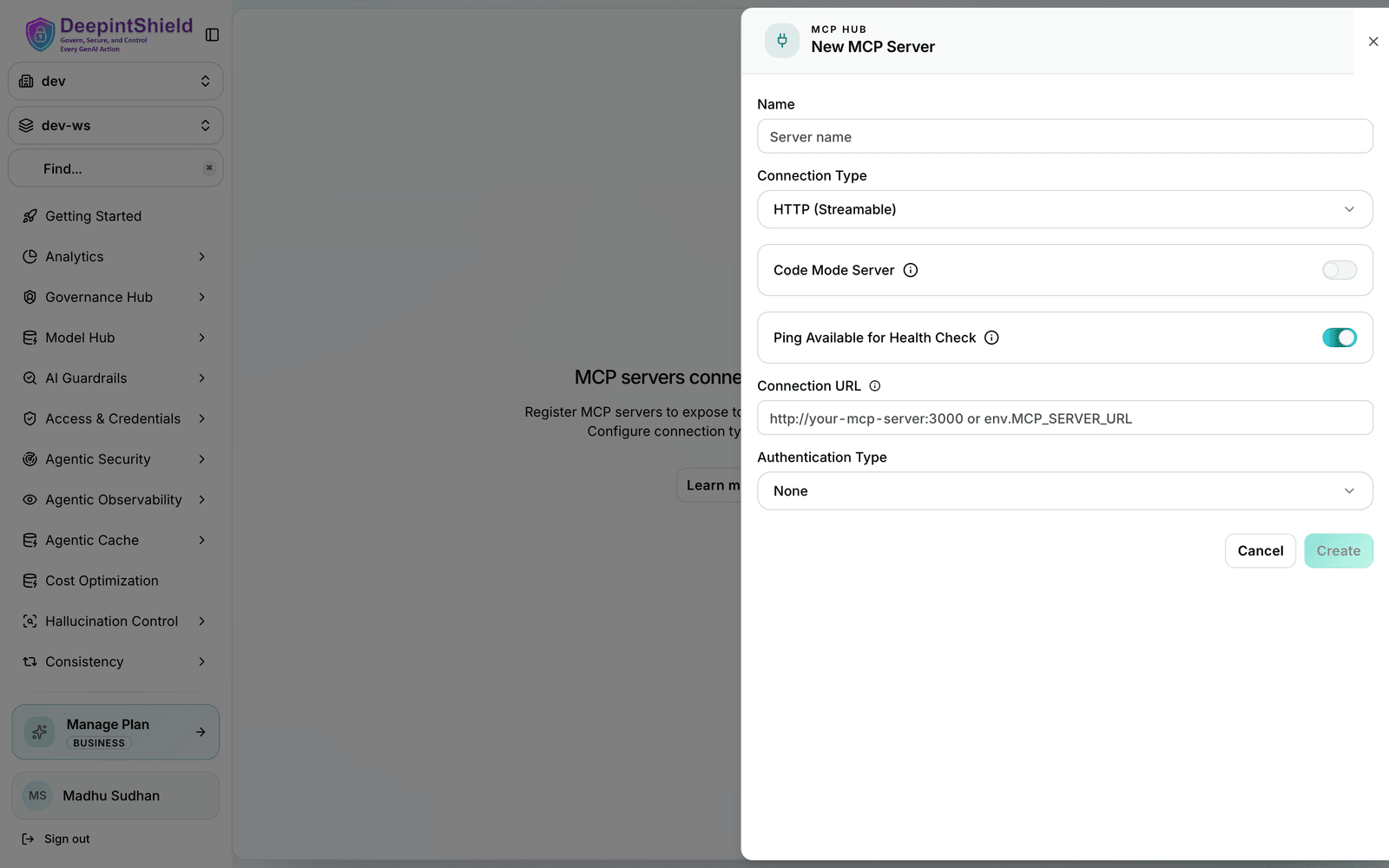
When a client disconnects:
disconnectedNote: Changing is_ping_available takes effect immediately without requiring a client reconnection.
A brief network hiccup won’t take your tools offline: DeepIntShield retries transient connection failures with exponential backoff (a few attempts over roughly 30 seconds) and automatically reconnects a client in the background once its health checks fail. You don’t need to configure anything for this to work.
What this means for you when debugging a connection:
connecting and recover without intervention.command not found: npx) are not retried. If a client lands in the error state immediately, check the connection URL, credentials/headers, and - for STDIO - that the command exists in the runtime environment.disconnected, its tools become unavailable, and DeepIntShield reconnects it in the background. Tools return automatically once it recovers.You can also trigger a reconnection yourself at any time from Agentic → MCP Registry: open the client row and click Reconnect. Manual reconnection also uses the retry logic for robustness.
MCP client names have specific requirements:
Valid names: filesystem, web_search, myAPI, tool123
Invalid names: my-tools, web search, 123tools, datos-api