

Virtual Key MCP Tools
Detailed VK tool configuration
For Astra Responses requests, permitted MCP schemas may be injected even when the SDK omits tools. Send extra_headers={"x-deepintshield-mcp-include-clients": ""} in Python to exclude MCP tools for one request. With curl, use -H "x-deepintshield-mcp-include-clients;" to transmit an explicitly empty header; a trailing colon suppresses the header instead. Request filters intersect with virtual-key permissions, and explicit empty filters remain deny-all.
DeepIntShield provides three related controls for MCP tools:
tools_to_execute)Connection and request filters shape the model-visible catalogue. A Virtual Key binding is also a hard execution condition: visibility never grants permission to invoke a tool. When Agentic authorization is enabled, its exact-workspace decision is the final independent execution boundary.

The tools_to_execute field on each MCP client config defines the baseline of available tools.
| Value | Behavior |
|---|---|
["*"] | All tools from this client are available |
[] or omitted | No tools available (deny-by-default) |
["tool1", "tool2"] | Only specified tools are available |
Set the baseline tool list from Agentic → MCP Registry in the Web UI: open the client’s configuration sheet and, in the Available Tools section, enable only the tools the client should expose (for example, read_file and list_directory). This corresponds to setting tools_to_execute for the client. Click Save Changes to apply.
Filter tools dynamically on a per-request basis using request headers.
| Filter | Purpose |
|---|---|
mcp-include-clients | Only include tools from specified clients |
mcp-include-tools | Only include specified tools (format: clientName-toolName) |
# Include only specific clientscurl -X POST https://app.deepintshield.com/v1/chat/completions \  -H "Authorization: Bearer sk-ds-your-virtual-key" \  -H "x-deepintshield-mcp-include-clients: filesystem,web_search" \  -d '...'
# Include only specific toolscurl -X POST https://app.deepintshield.com/v1/chat/completions \  -H "Authorization: Bearer sk-ds-your-virtual-key" \  -H "x-deepintshield-mcp-include-tools: filesystem-read_file,web_search-search" \  -d '...'
# Include all tools from one client, specific tools from anothercurl -X POST https://app.deepintshield.com/v1/chat/completions \  -H "Authorization: Bearer sk-ds-your-virtual-key" \  -H "x-deepintshield-mcp-include-tools: filesystem-*,web_search-search" \  -d '...'
# Empty clients filter blocks ALL tools - no tools available to LLMcurl -X POST https://app.deepintshield.com/v1/chat/completions \  -H "Authorization: Bearer sk-ds-your-virtual-key" \  -H "x-deepintshield-mcp-include-clients;" \  -d '...'# Result: No MCP tools available (deny-all)
# Empty tools filter also blocks ALL toolscurl -X POST https://app.deepintshield.com/v1/chat/completions \ -H "Authorization: Bearer sk-ds-your-virtual-key" \ -H "x-deepintshield-mcp-include-tools;" \ -d '...'# Result: No MCP tools available (deny-all)| Pattern | Meaning |
|---|---|
* (in include-clients) | Include all clients |
clientName-* (in include-tools) | Include all tools from that client |
clientName-toolName | Include specific tool |
Important: All MCP tools follow a consistent naming convention using the prefixed format clientName-toolName:
clientName-toolName (e.g., filesystem-read_file, web_search-search).clientName is the name you configured for the MCP client.This consistent naming convention ensures clear separation between tools from different clients and prevents naming conflicts across all MCP clients.
Virtual Keys have their own persisted MCP client/tool binding. Every gateway request requires an active key, and a key with no MCP binding has no MCP tools. An include header cannot grant a missing key binding.
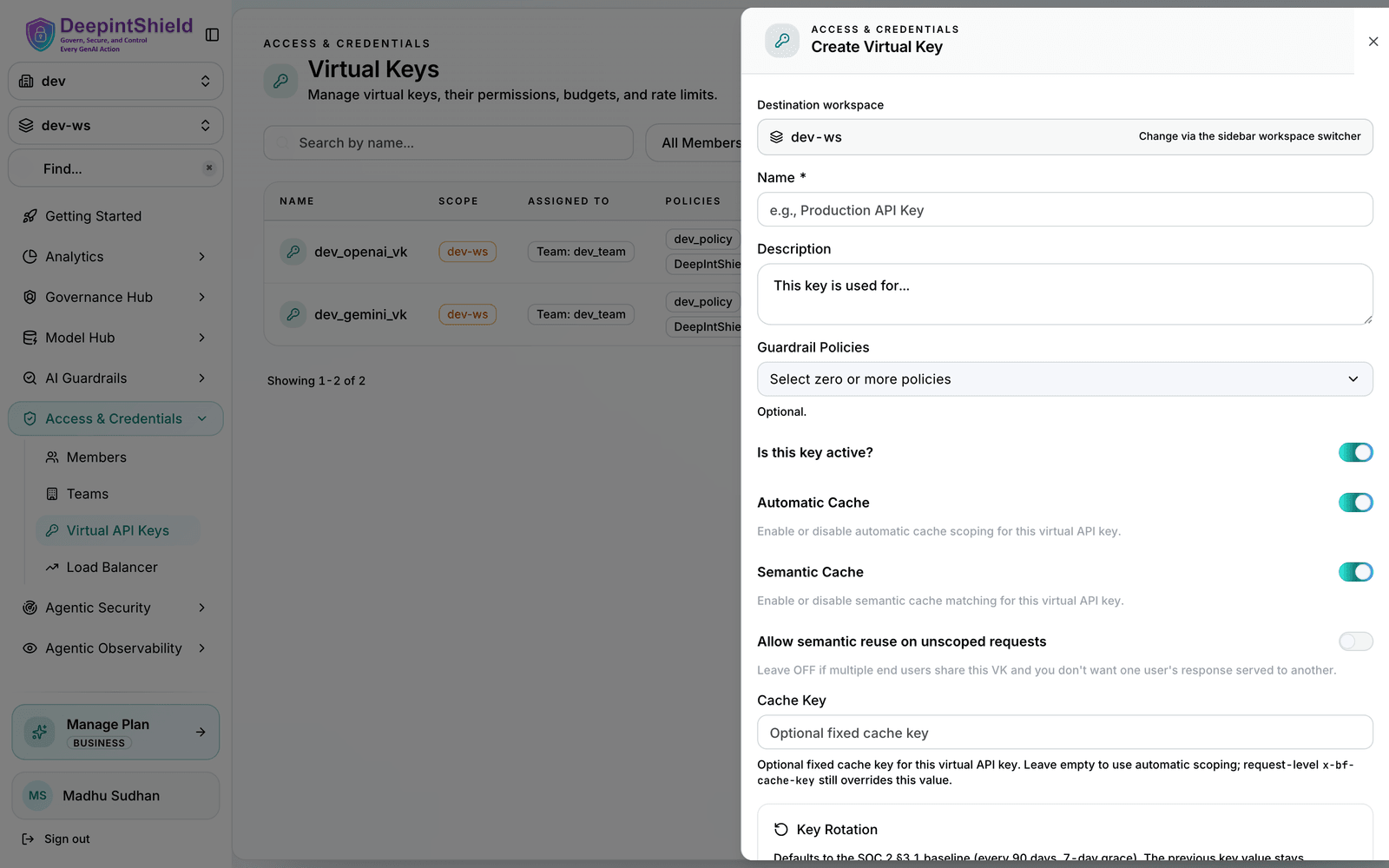
For example, you might grant a support-team key only search and get_article on a knowledge_base client while allowing all tools (*) on a ticketing client.
| Configuration | Result |
|---|---|
tools_to_execute: ["*"] | All tools from this client |
tools_to_execute: [] | No tools from this client |
tools_to_execute: ["a", "b"] | Only specified tools |
| Client not configured | All tools blocked from that client |
Learn more in MCP Tool Filtering for Virtual Keys.
Setup:
filesystem has tools_to_execute: ["read_file", "write_file", "delete_file"]prod-key has mcp_configs: [{ mcp_client_name: "filesystem", tools_to_execute: ["read_file"] }]Request with prod-key:
curl -X POST https://app.deepintshield.com/v1/chat/completions \ -H "Authorization: Bearer sk-ds-prod-key" \ -H "x-deepintshield-mcp-include-tools: filesystem-write_file" \ -d '...'Result: The header does not authorize write_file. Execution is denied
because the key is bound only to read_file, even if a model-visible catalogue
or caller-supplied tool definition names write_file.
Request with a VK that has no MCP configs:
curl -X POST https://app.deepintshield.com/v1/chat/completions \ -H "Authorization: Bearer sk-ds-your-virtual-key" \ -H "x-deepintshield-mcp-include-tools: filesystem-write_file" \ -d '...'Result: No MCP tools are available. A key without an MCP binding is deny-all, and a request header cannot create one.
Allow only read operations:
{ "tools_to_execute": ["read_file", "list_directory", "get_file_info"]}Use different VKs for different environments:
{ "virtual_keys": [ { "name": "development", "mcp_configs": [ { "mcp_client_name": "filesystem", "tools_to_execute": ["*"] }, { "mcp_client_name": "database", "tools_to_execute": ["*"] } ] }, { "name": "production", "mcp_configs": [ { "mcp_client_name": "filesystem", "tools_to_execute": ["read_file"] }, { "mcp_client_name": "database", "tools_to_execute": ["query"] } ] } ]}Create VKs for different user roles:
{ "virtual_keys": [ { "name": "viewer-role", "mcp_configs": [ { "mcp_client_name": "documents", "tools_to_execute": ["view", "search"] } ] }, { "name": "editor-role", "mcp_configs": [ { "mcp_client_name": "documents", "tools_to_execute": ["view", "search", "edit", "create"] } ] }, { "name": "admin-role", "mcp_configs": [ { "mcp_client_name": "documents", "tools_to_execute": ["*"] } ] } ]}At execution time, the authoritative controls combine as an intersection:
Client Config ∩ Current VK Binding ∩ Agentic Authorization Allow = Executable ToolRequest include headers may narrow or shape discovery, but they never add an execution permission. For example:
In Agentic → MCP Registry, the servers table shows each client’s connection state, and opening a client’s configuration sheet lists its discovered tools along with which ones are enabled in tools_to_execute. Use this to confirm a tool is present, connected, and not filtered out before debugging a request.
The tools included in a chat request depend on all active filters. To see what tools are available for a specific request, check the request body sent to the LLM provider in your logs or observability platform.